
Chroma Visuals
Chroma Visuals is a Windows FPS optimizer and visual suite for Fortnite and Rust — higher, more stable frames plus up to 300% saturation and 200% digital vibrance. Already tuned on 500+ rigs. Best for the value key — $12.99, down from $20.
Choose your menu
Optimizer or Visuals
Pick a category to open its own page with keys, prices and download.
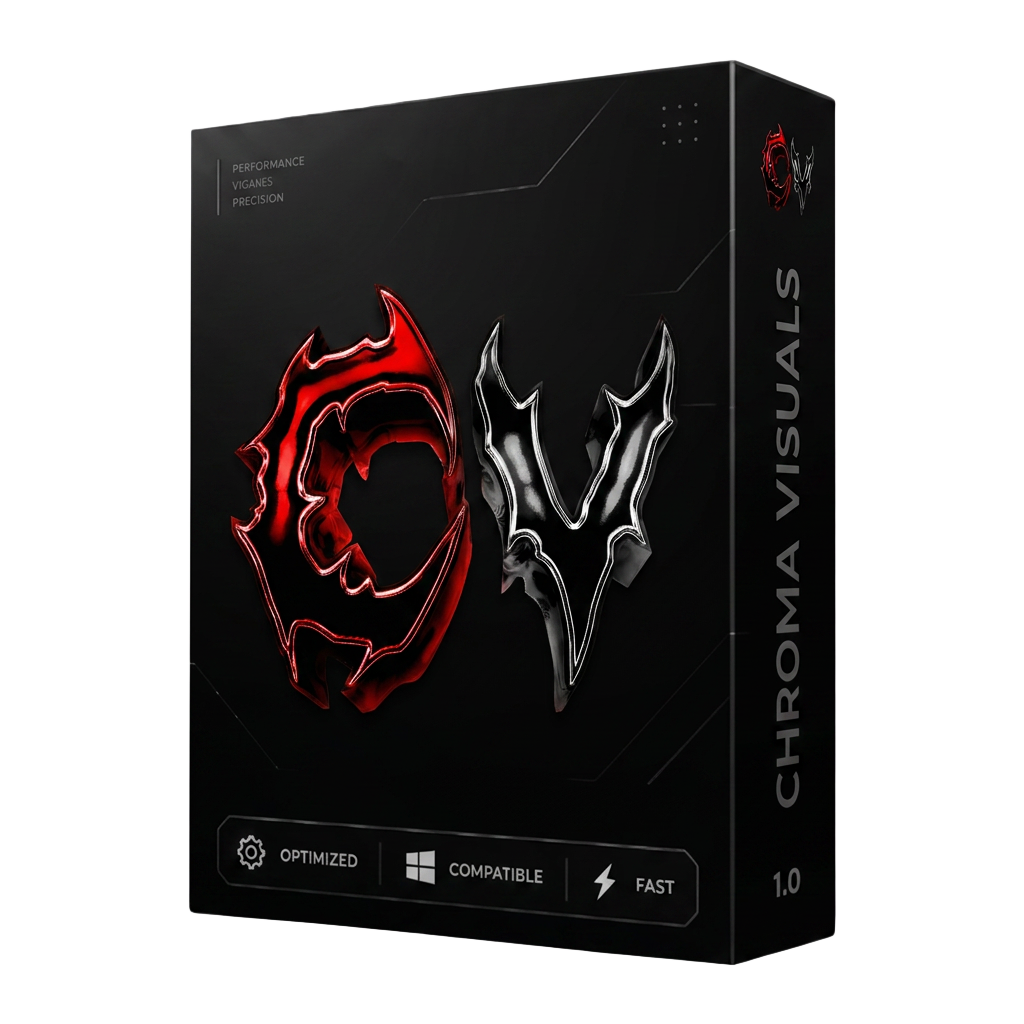
The product
Chroma Visuals Essential
One build, every feature, one price. Your Best for the value key unlocks everything and never expires.
- Platform
- Windows 10 / 11 (64-bit)
- Delivery
- Instant key by email
- Updates
- Included for key duration
- Support
- Discord + ticket desk
- Range
- Saturation 300% / Vibrance 200%
New: BIOS Tuner is now in Chroma Optimizer
The latest Optimizer build ships with a built-in BIOS Tuner — it reads your current BIOS/UEFI setup and walks you through the settings that matter for gaming performance, so you get more stable frames without guessing in the BIOS menu.
New product
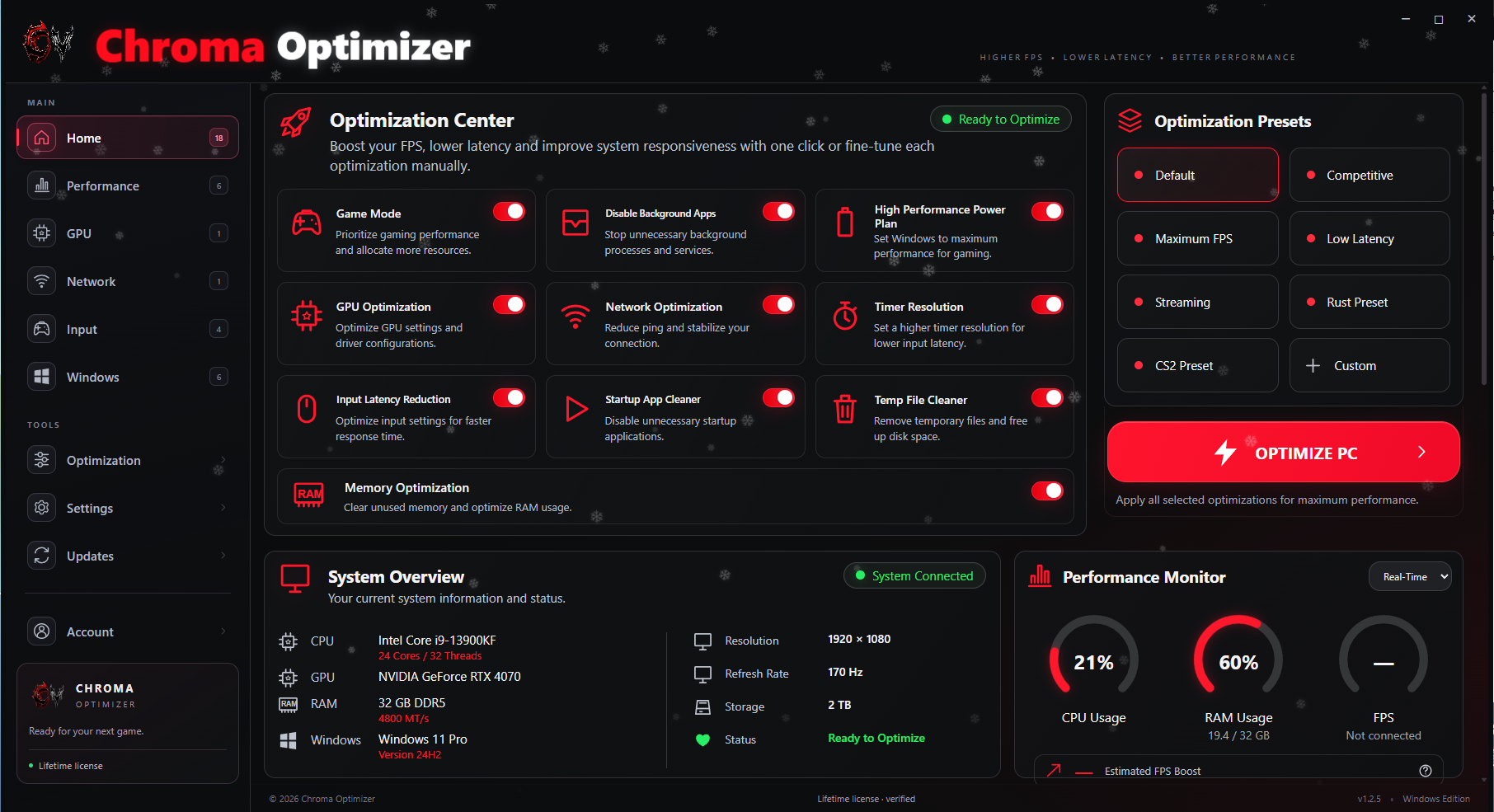
Chroma Optimizer
A dedicated Windows performance tool built for smoother gameplay, steadier frames, and quick system tuning without the clutter.
Get Chroma OptimizerTrusted by creators
Recommended by creators who use Chroma Visuals for their own Rust settings.
Ilkemar
@Ilkemar
Settings in my discord — I use Chroma Visuals for vibrant Rust colors and display presets.

Pinto
@pinto_rust
Rust clips and color settings — Chroma Visuals makes the game look clean without touching files.

Gucciburger
@gucci6urger
Saturated Rust tunnel gameplay — Chroma Visuals is my go-to vibrance setting.

Incognito FN
@incognitoaifn
Fortnite optimization tweaks — trusted by Incognito FN for a smoother competitive setup.
Rust color
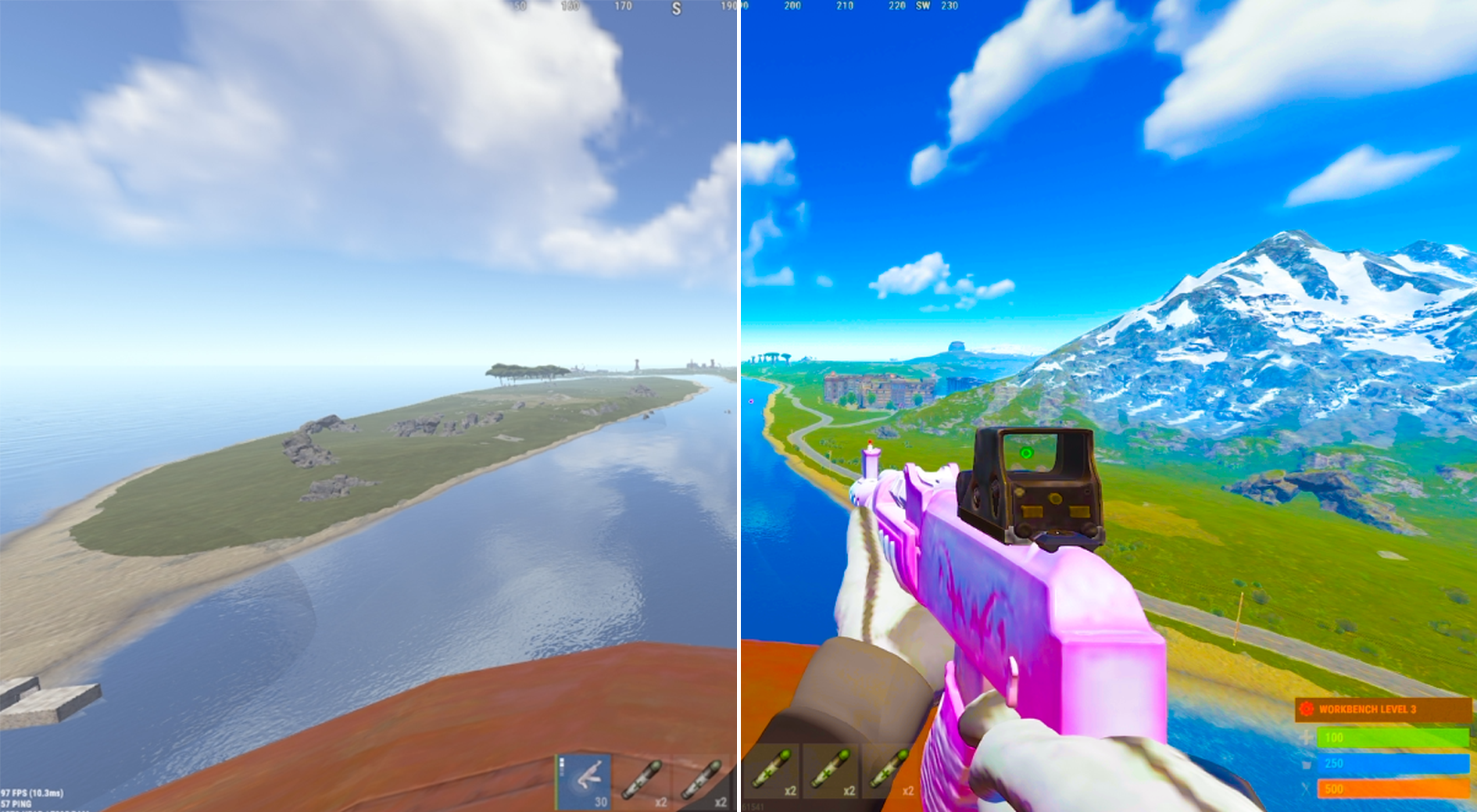
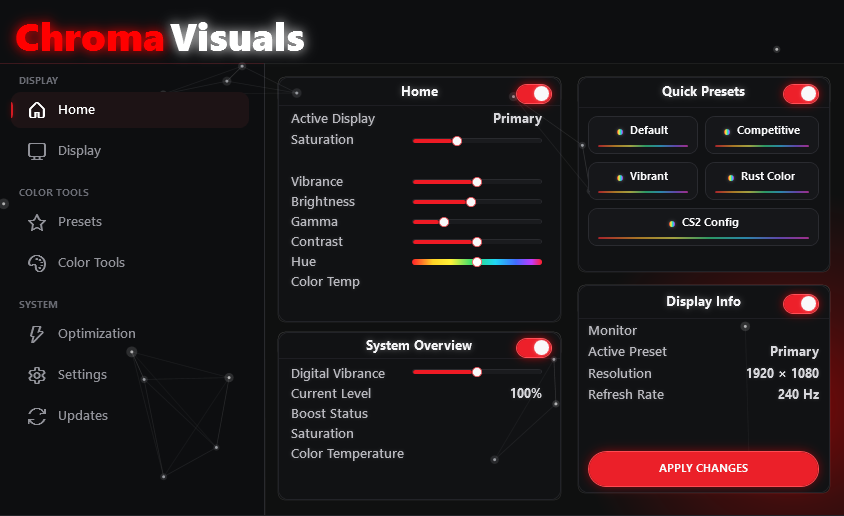
Chroma Visuals is a lightweight Rust software for players who want vibrant Rust colors without fighting the NVIDIA control panel. Set saturation up to 300% and digital vibrance up to 200%, then fine-tune brightness, contrast, gamma, hue and temperature, then apply the profile to one display or all displays instantly.
The built-in Rust preset is a ready-made rust color config: brighter foliage, cleaner sightlines and higher contrast on player models. Presets save in one click, so you can switch between a neutral desktop profile and full Rust vibrance whenever you launch the game.
Digital vibrance
0–300% saturation and 0–200% vibrance on any GPU, applied live.
Rust color preset
One-click rust vibrant colors tuned for gameplay clarity.
Full color control
Saturation, brightness, contrast, gamma, hue, temperature.
RGB channels
Per-channel red, green, blue and sharpness adjustment.
Why Chroma?
Every build ships through the same standard: fast, clean and quiet.
Fortnite optimizer
Smarter Fortnite optimizer for higher, more stable frames with safe restore points.
Custom crosshair
Build your own crosshair: shape, size, thickness, color and glow.
Headshot sound
Bass-boosted headshot hitsound, driven by the real Windows bass boost.
Anime GIF backgrounds
Customize the app background with animated GIFs and your own themes.
Visuals
Vibrance up to 200%, saturation, gamma, RGB channels and presets.
Secure
Reliable build pipeline with continuous integrity checks.
Get your key
One Best for the value license for Fortnite optimization and Rust visuals. Every feature, forever — now $12.99 instead of $20.
Optimizer Lifetime
Key
- Never expires
- Full visual suite
- All future releases
- Top priority support
- Instant key delivery
Monthly Subscription
Key
Save 16% — cancel any time
- Billed monthly, cancel any time
- Key stops working if you stop paying
- Optimizer + visual suite
- Instant key delivery
No card required
Free Visuals trial
Get a 3-day Visuals Trial — full color and vibrance tools, no card needed.
No card required
3-day Visuals Trial
Test the full color and vibrance tools instantly. One trial per email, network, and Windows device.
Daily discount crate
One free crate every 24 hours. Win 5%, 10%, 15%, 25% or 50% off — plus a very rare free 1-day key. Codes are locked to your account and can only be used once.
 5% OFF
Download
Get the Chroma Optimizer
Latest build v1.2.5-2 for Windows 10 & 11. One file, one license key — run it and optimize your system for smoother gameplay.
Chroma Optimizer
One small file, v1.2.5-2. Run it, log in with your key, and optimize your system for smoother gameplay.
Download OptimizerNeed a key?
Your license key arrives by email right after checkout. One key is locked to one PC — HWID resets are handled through a Discord ticket.
Get Best for the value- 1. Download the loader.
- 2. Run ChromaOptimizer.exe and allow it through Windows Defender.
- 3. Log in with your license key — it locks to your PC and auto-updates.
HWID reset
Changed motherboard, GPU or reinstalled Windows? HWID resets are handled through Discord — open a ticket in the Discord and staff unbinds your key.
Open a ticket in Discord
Join our Discord and open a support ticket with your purchase email and license key.
Staff review
Our team checks the license and clears the bound hardware ID.
Re-activate
Launch Chroma Visuals on your new machine and it binds again.
Manual review · usually handled within a few hours
Works with every game
Chroma Visuals runs at the display level, so it works with any title — including the most popular competitive games.
Common questions
What is Chroma Visuals?
Chroma Visuals is Windows software for Rust color and digital vibrance — up to 300% saturation and 200% vibrance with gamma, hue and temperature control.
Does it give vibrant Rust colors?
Yes. The Rust preset boosts vibrance and saturation so Rust looks brighter and players are easier to spot.
How fast do I get my key?
Keys are generated and delivered instantly after checkout.
What are the system requirements?
Windows 10 or 11 (64-bit), 8 GB RAM and any modern GPU.
Is it really Best for the value?
Yes — one payment of $12.99 (normally $20) and your key never expires.
Is support included?
Every Best for the value license includes priority support and all future updates.
What players say
Straight from our Discord vouch channel — real customers, real results in-game.
Note: digital vibrance never shows up in screenshots or clips — it's applied to your own display output, so it only looks like this on your screen.
“Very good efficient affordable vibrance app, I like it and 100% recommend — works for like any game.”
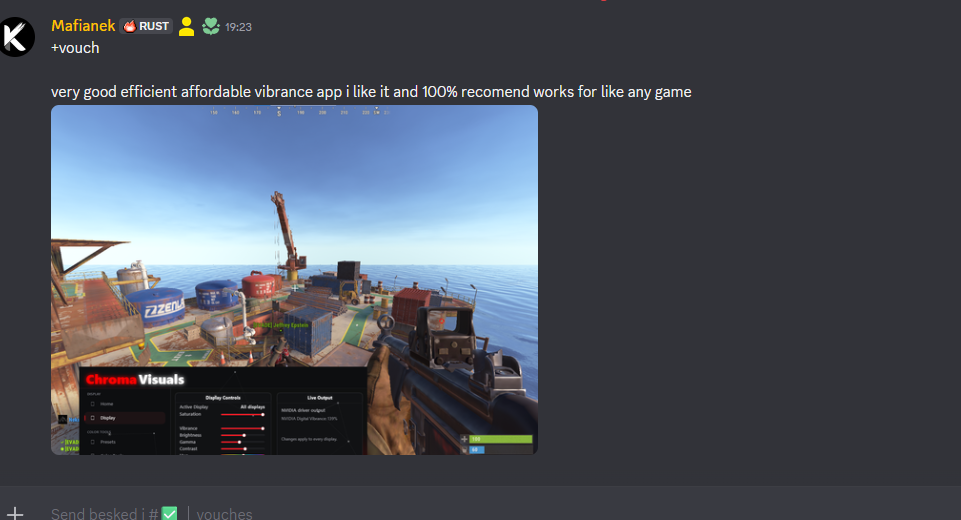
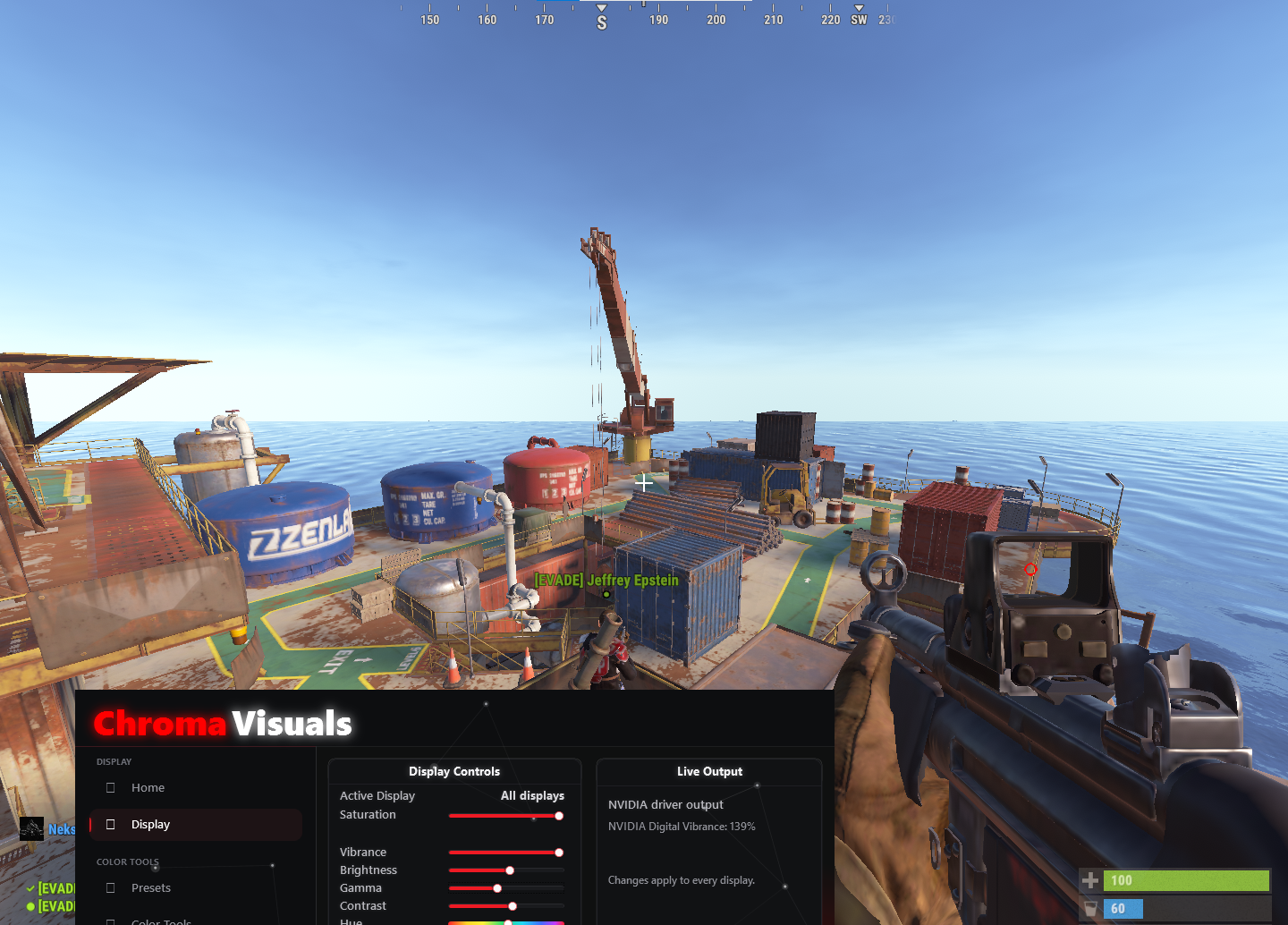
Live in Rust
Display controls applied on top of the game — saturation, vibrance, gamma and hue with NVIDIA digital vibrance output shown live.